Verifying KYC & Due Diligence
The KYC Verification Flow (/kyc/:hex/verify) is the statutory gate through which compliance officers and branch managers authenticate borrower identities, review documentation, authorize borrowing tiers, and synchronize compliance status to the real-time search engine.
1. Statutory Context & Decoupled Architecture
Under statutory Anti-Money Laundering (AML) and Counter-Terrorist Financing (CFT) guidelines, no credit facility can be disbursed to a client whose KYC file is incomplete or unverified.
Separation of Registration Fee vs KYC Verification
In BiiTrust, account activation and regulatory compliance verification are decoupled:
- Registration Fee Clearance: Marks the account
org_clients.status = 'active'. Settleable via M-Pesa or Cash. - Compliance KYC Verification: Marks the customer
kyc_verifications.status = 'verified'and sets an expiration horizon (expires). - Dual Gate for Lending: Both are mandatory. A client with an active fee but unverified KYC cannot borrow. A client with verified KYC but an unpaid registration fee cannot borrow.
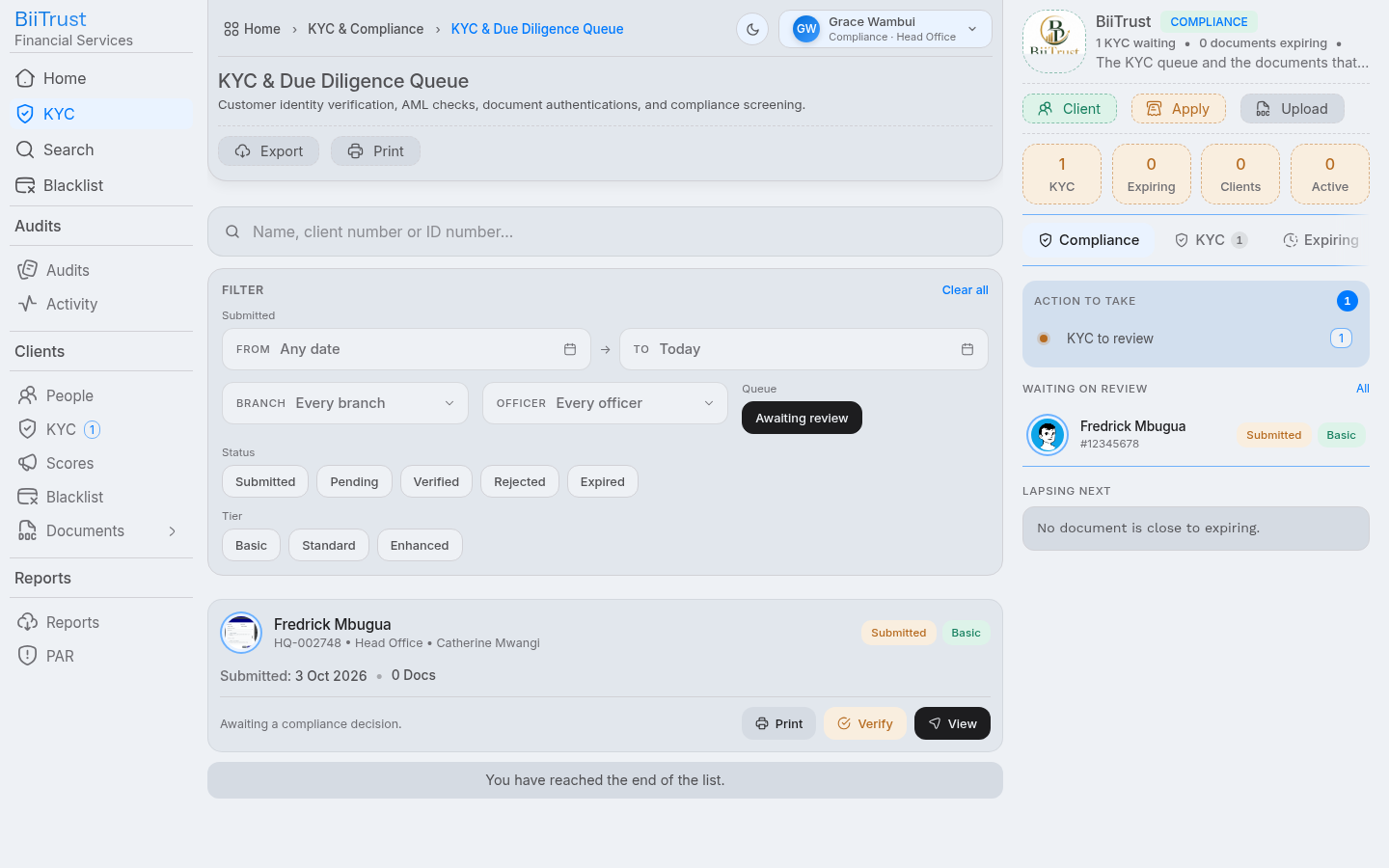 Figure 3.1: Compliance queue displaying submitted borrower dossiers awaiting KYC review.
2. The 3-Step Verification Rail
The verification flow executes across a strict 3-step rail:
[ Step 1: The Facts ] ──► [ Step 2: Documents ] ──► [ Step 3: Decision ]
Step 1: The Facts (#facts)
In this step, the reviewer checks each self-declared client fact against external government evidence:
| Fact Item | Verification Criteria | Action Buttons |
|---|---|---|
| Full Legal Name | Matches national identification card exactly. No nicknames or abbreviations. | Click Verify or Flag |
| National ID Number | Official citizen ID digits; cross-checked against registered database records. | Click Verify or Flag |
| Phone Number | Registered under borrower’s national ID; confirmed active on M-Pesa. | Click Verify or Flag |
| Physical Residence | Verified county, sub-county, ward, landmark, and field officer inspection report. | Click Verify or Flag |
| Next of Kin | Verifiable relationship, active phone contact, and physical address. | Click Verify or Flag |
| PEP & Sanctions | Confirmation that the borrower is not an unsanctioned Politically Exposed Person. | Click Verify or Flag |
[!IMPORTANT] Zero Unchecked Facts Rule: The system refuses transition to Step 2 if any single fact is left unconfirmed. Every fact must be explicitly toggled to Verified (Green) or Flagged (Red).
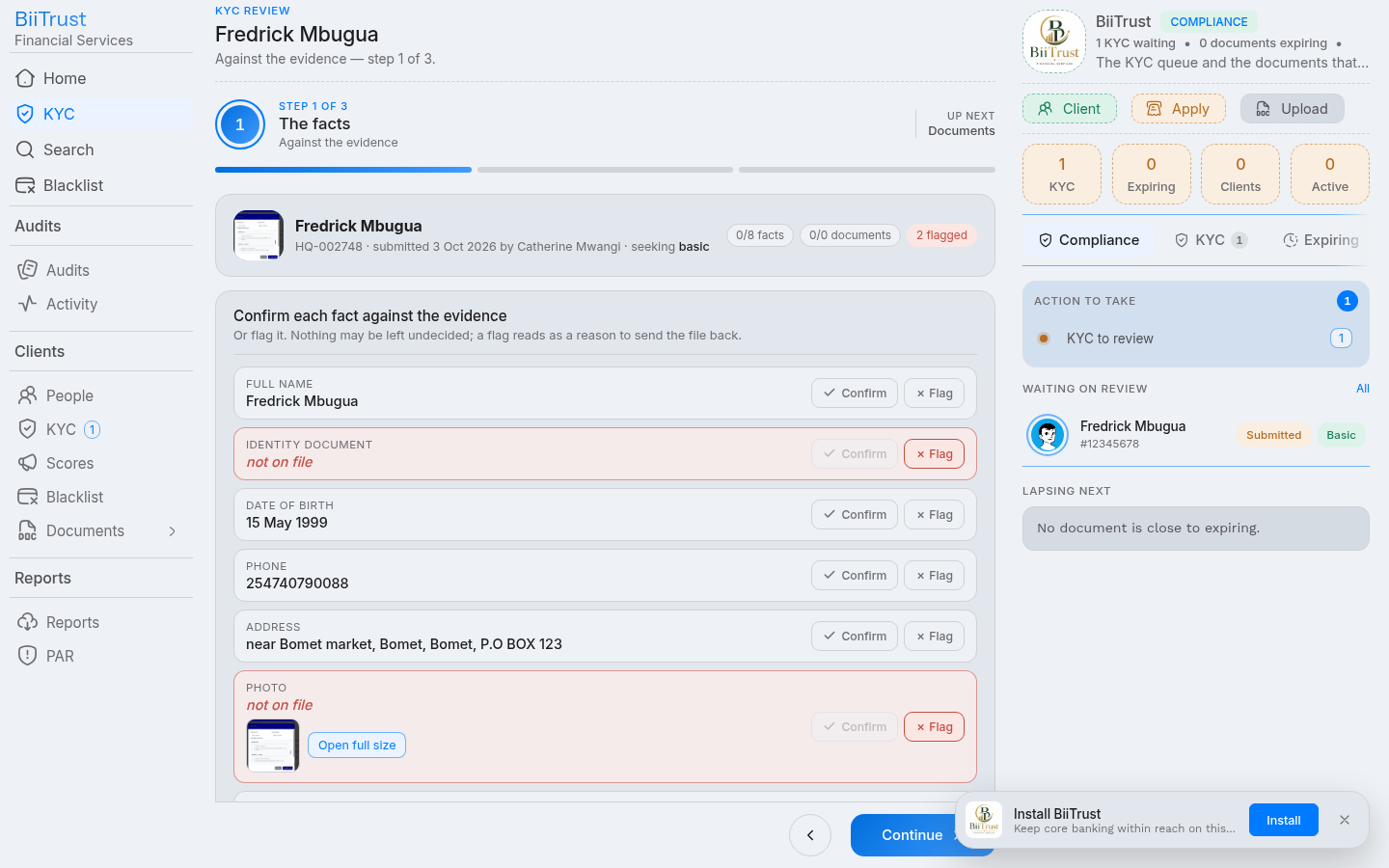 Figure 3.2: Step 1 Facts verification rail with all identity elements verified green.
Step 2: Documents (#docs)
In this step, the compliance officer inspects every uploaded file:
- Document Preview: Click on each document card (
National ID Front,National ID Back,Passport Photo,Utility Bill / Business Permit). - Inspection Checklist:
- Is the image sharp, uncropped, and legible?
- Do the dates of birth and serial numbers match the physical ID?
- Is the passport photograph recent and showing an unobstructed facial portrait?
- Mandatory Open Verification: The system tracks whether each file has been clicked and viewed. You cannot approve a document without first previewing it.
- Flagging Discrepancies: If a document is blurry or suspect, click Flag and type a specific remediation note (e.g., “National ID back scan cut off serial number”).
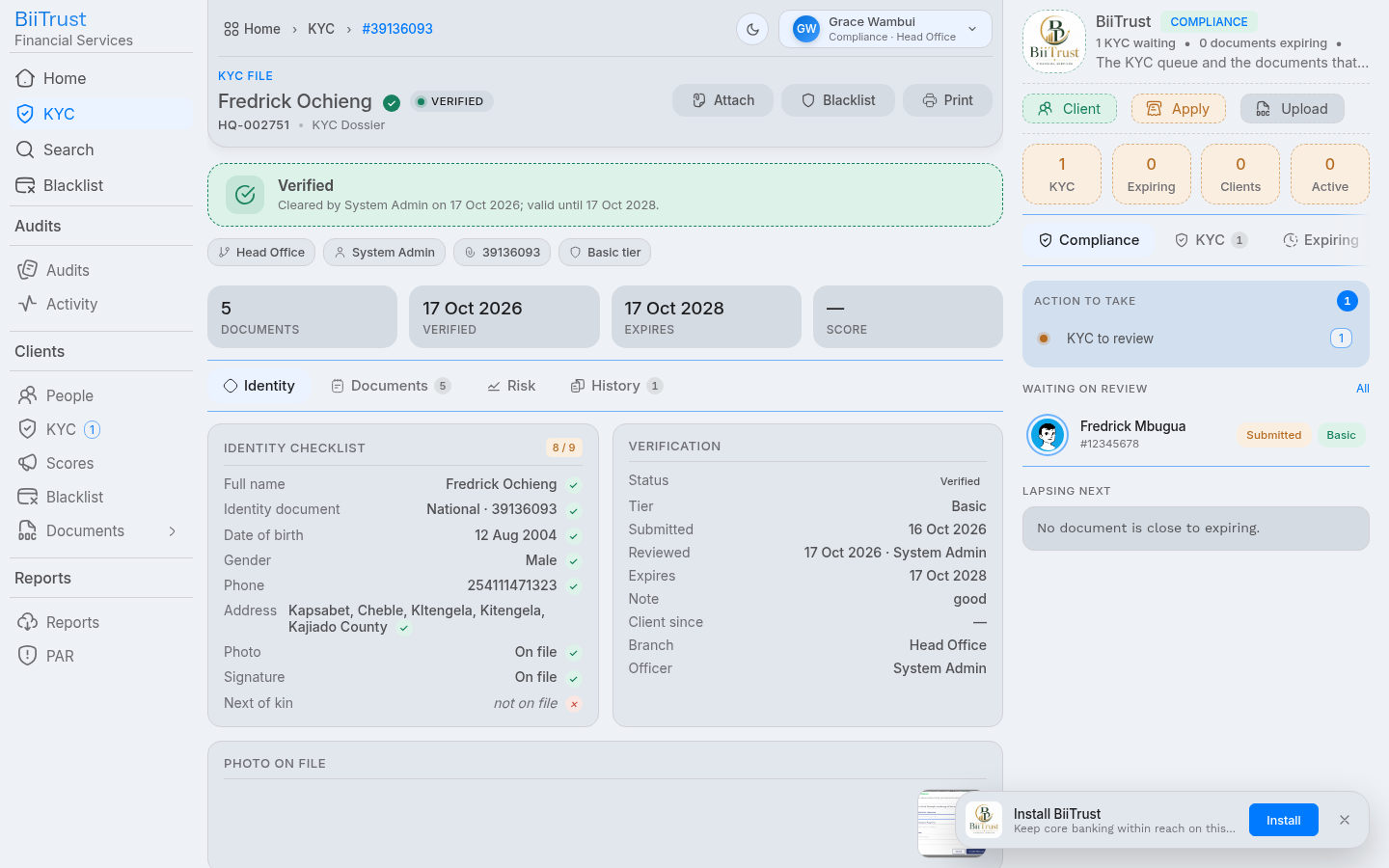 Figure 3.3: Step 2 Document preview modal inspecting high-resolution National ID card scan.
Step 3: The Decision (#decision)
Once all facts and documents are verified or flagged, the reviewer issues the binding decision:
- Select Decision:
- Approve & Verify: Confirms identity authenticity and unlocks credit borrowing.
- Reject / Remediation Required: Sends the file back to the Loan Officer with explicit correction notes.
- Assign Approved Tier:
basic: Unlocked for micro-loans up to KES 50,000.standard: Unlocked for enterprise facilities up to KES 500,000.enhanced: Full due diligence cleared; eligible for collateralized facilities above KES 500,000.
- Validity Period: Sets the KYC expiration horizon (defaults to 24 months, configurable in system settings).
- Compliance Findings Note: Type a clear audit statement summarizing the verification outcome.
- Sign Off & Confirm: Check the statutory acknowledgment box and click Sign Decision.
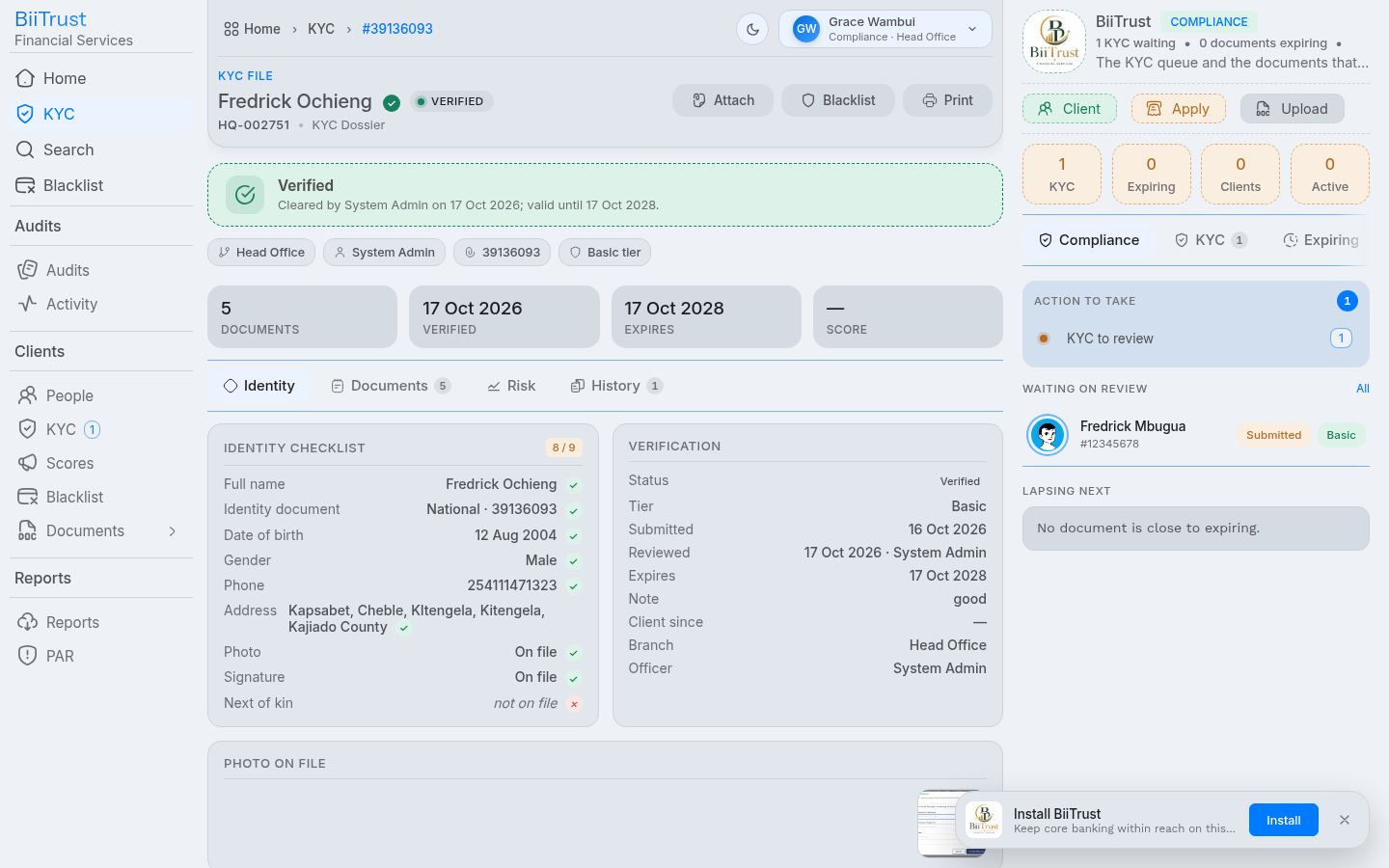 Figure 3.4: Step 3 Compliance decision form assigning approved tier ceiling and digital signature.
3. Real-Time Search Synchronization (Typesense)
When a KYC decision is signed:
- The system calls the real-time search synchronizer (
app/search/live.client). - Immediately updates the client’s document in the Typesense search cluster with:
{ "verified": true, "kyc": "verified", "tier": "basic", "number": "HQ-002751" } - Instant Frontend Reflection: When loan officers search for borrowers in the Loan Origination wizard, the client card immediately displays
<span class="chip ok">verified: basic</span>and the greenEligible to applybadge without waiting for background indexing jobs.
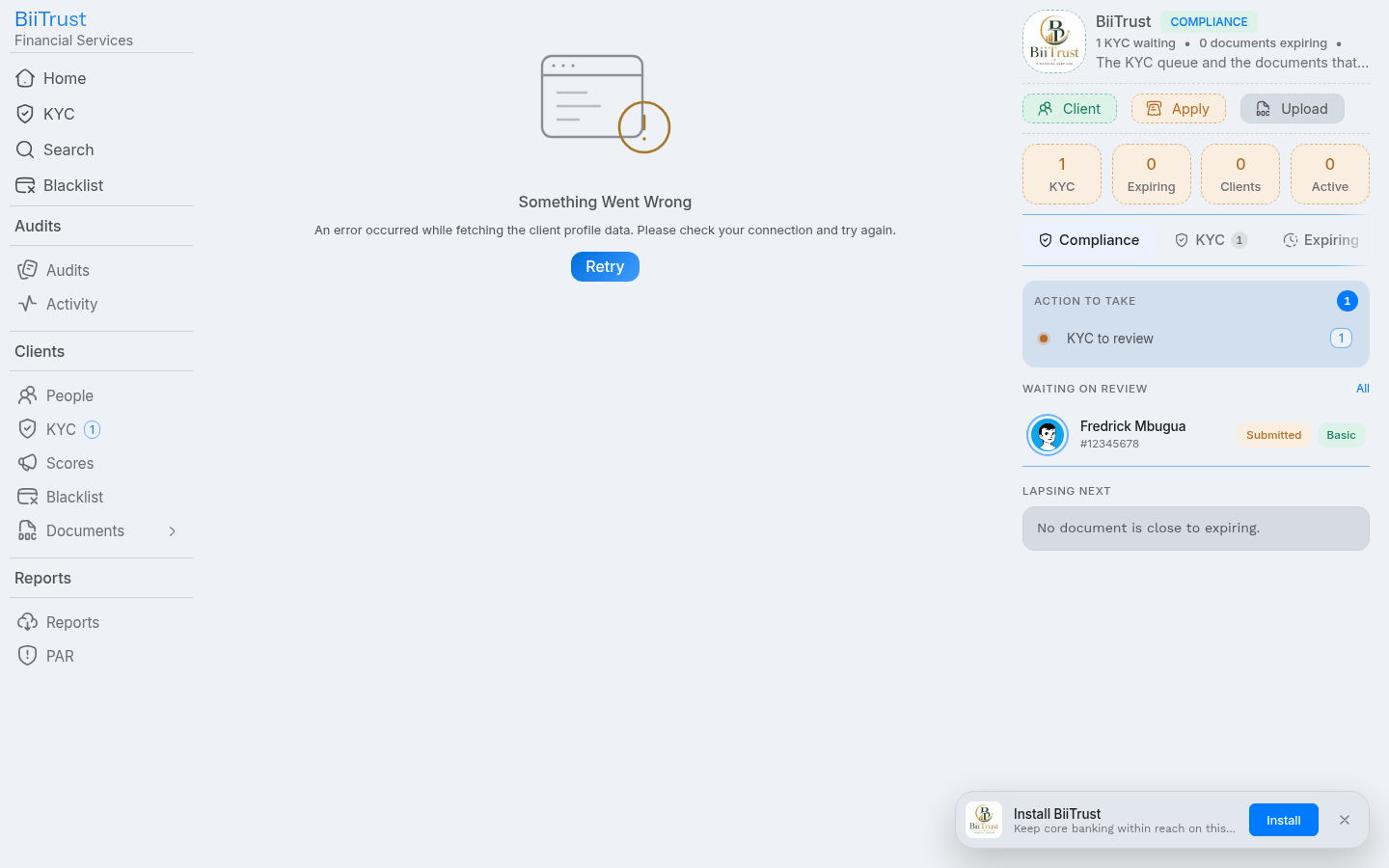 Figure 3.5: Borrower card reflecting instant Typesense synchronization with verified status and approved tier.
4. Pre-Flight Eligibility Gate (GET /kyc/:client/eligibility)
During credit origination, the platform queries the eligibility evaluator:
- Client Resolution: Resolves National ID (
hex) or display number (number). - Response Payload:
{ "ok": true, "data": { "state": "verified", "verified": true, "tier": "basic", "expires": "2028-10-17T12:00:00Z", "gate": { "ok": true, "tier": "basic" }, "ceiling": 50000, "principal": 30000, "collateral": { "pledged": 45000, "ratio": 1.2, "ceiling": 54000, "ok": true } } } - If the customer’s KYC has expired,
gate.okevaluates tofalsewith reason: “client KYC has expired — re-verify”. - If the requested loan amount exceeds the tier limit,
gate.okevaluates tofalsewith reason: “amount exceeds basic KYC ceiling (50000) — upgrade verification”.