Step-by-Step: Taking a Repayment & Servicing
The Repayment Flow (/loan/:hex/repay or /payments/new) records incoming payments across multiple channels, executes the strict accounting liquidation waterfall, manages Paybill prefix stripping, and safeguards unmatched receipts in suspense.
1. Servicing Channels & Inbound Collections
BiiTrust processes repayments through four primary operational rails:
Rail 1: Offline Lipa na M-Pesa Paybill 4050329
Borrowers can repay independently from their own phones 24/7 without staff intervention:
- Paybill Business Number:
4050329(BiiTrust Lipad Paybill). - Account Number Reference:
- Loan Repayment:
3907#<NATIONAL_ID>(e.g.3907#13253018) or3907#<LOAN_HEX>(e.g.3907#LOX7A8B9C0D). - Registration Fee:
3907#REG-<NATIONAL_ID>(e.g.3907#REG-13253018).
- Loan Repayment:
- Automatic Prefix Normalization: When Safaricom delivers the callback via the Lipad webhook (
/api/v1/mpesa/callbacks/lipad), the system automatically strips the prefix3907#via regex (/^[A-Z0-9]+[#\s:]+/i), extracting the clean National ID (13253018) or Loan identifier.
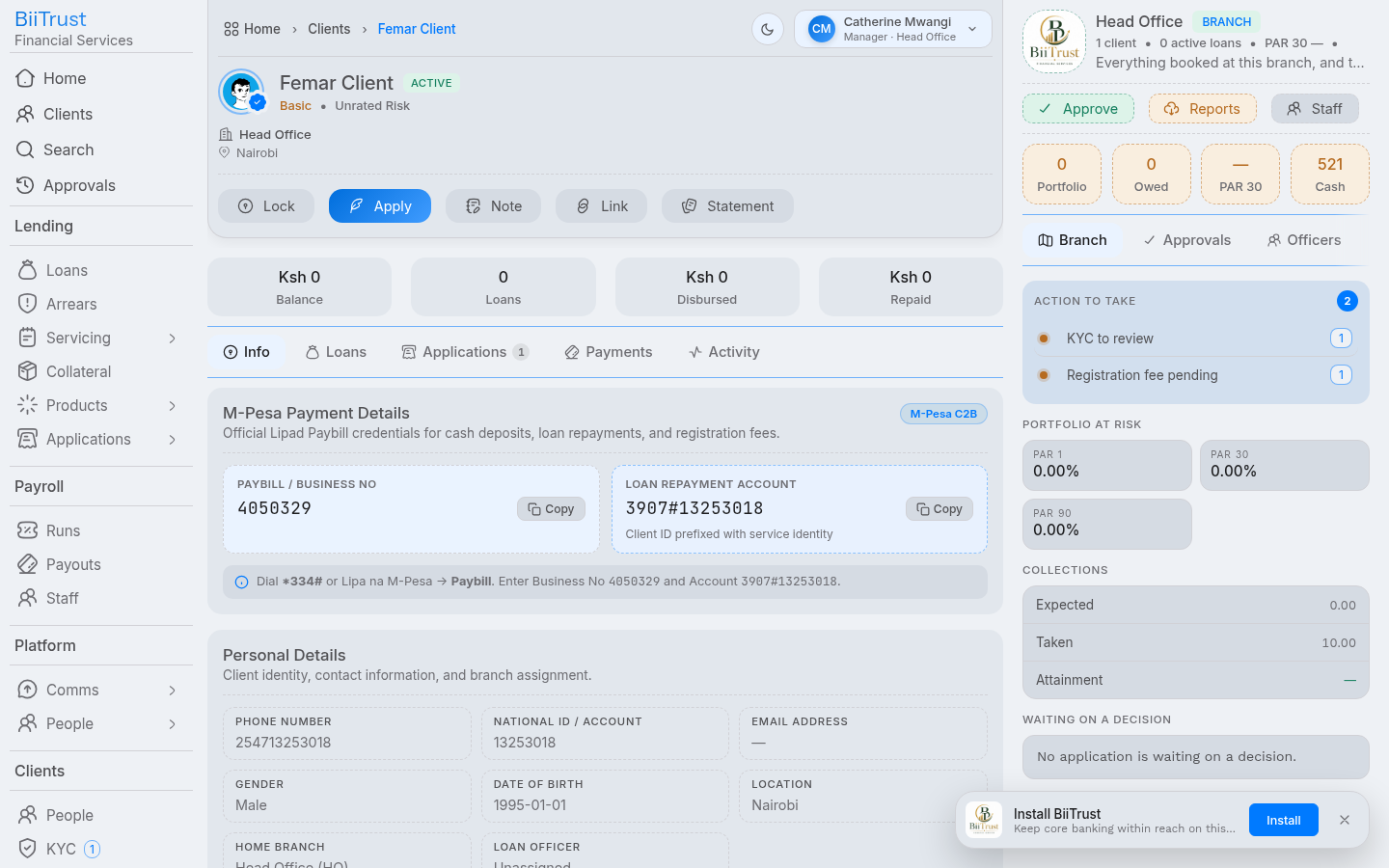 Figure 7.1: Lipa na M-Pesa Paybill input screen showing Business Number 4050329 and account
3907#<ID>.
Rail 2: Real-Time M-Pesa STK Push
Loan officers and cashiers can initiate an on-demand prompt directly to the borrower’s phone:
- Enter repayment amount and click Push STK Prompt.
- A pop-up prompt appears instantly on the borrower’s mobile phone requesting their M-Pesa PIN.
- Upon PIN entry, the funds clear and allocate to the loan in seconds.
Rail 3: Frontline Counter Cash Receipt
- Walk-in borrower deposits cash at the branch counter.
- Teller selects Cash, enters amount, and clicks Record Repayment.
Rail 4: Bank Deposit Slip / EFT Wire
- Borrower presents a bank deposit slip or wire confirmation.
- Teller selects Bank Transfer, enters reference, and records receipt.
2. The Accounting Liquidation Waterfall
Repayment funds are strictly applied in the following legal priority order:
┌────────────────────────────────────────────────────────────────────────┐
│ REPAYMENT WATERFALL LIQUIDATION HIERARCHY                              │
├────┬─────────────────────────┬──────────────┬──────────────────────────┤
│Priority │ Obligation Leg        │ GL Account   │ Description              │
├────┼─────────────────────────┼──────────────┼──────────────────────────┤
│ 1  │ Overdue Penalties       │ 4300 Income  │ Overdue late-payment fines│
│ 2  │ Administrative Fees     │ 4200 Income  │ Accrued servicing fees   │
│ 3  │ Accrued Interest        │ 4100 Income  │ Interest on capital      │
│ 4  │ Principal Installments  │ 1200 Asset   │ Gross loan balance       │
│ 5  │ Surplus Overpayment     │ 2200 Liab.   │ Client savings balance   │
└────┴─────────────────────────┴──────────────┴──────────────────────────┘
Oldest installments are liquidated first. If an installment is partially paid, its status transitions to partial; when fully satisfied, its status transitions to paid.
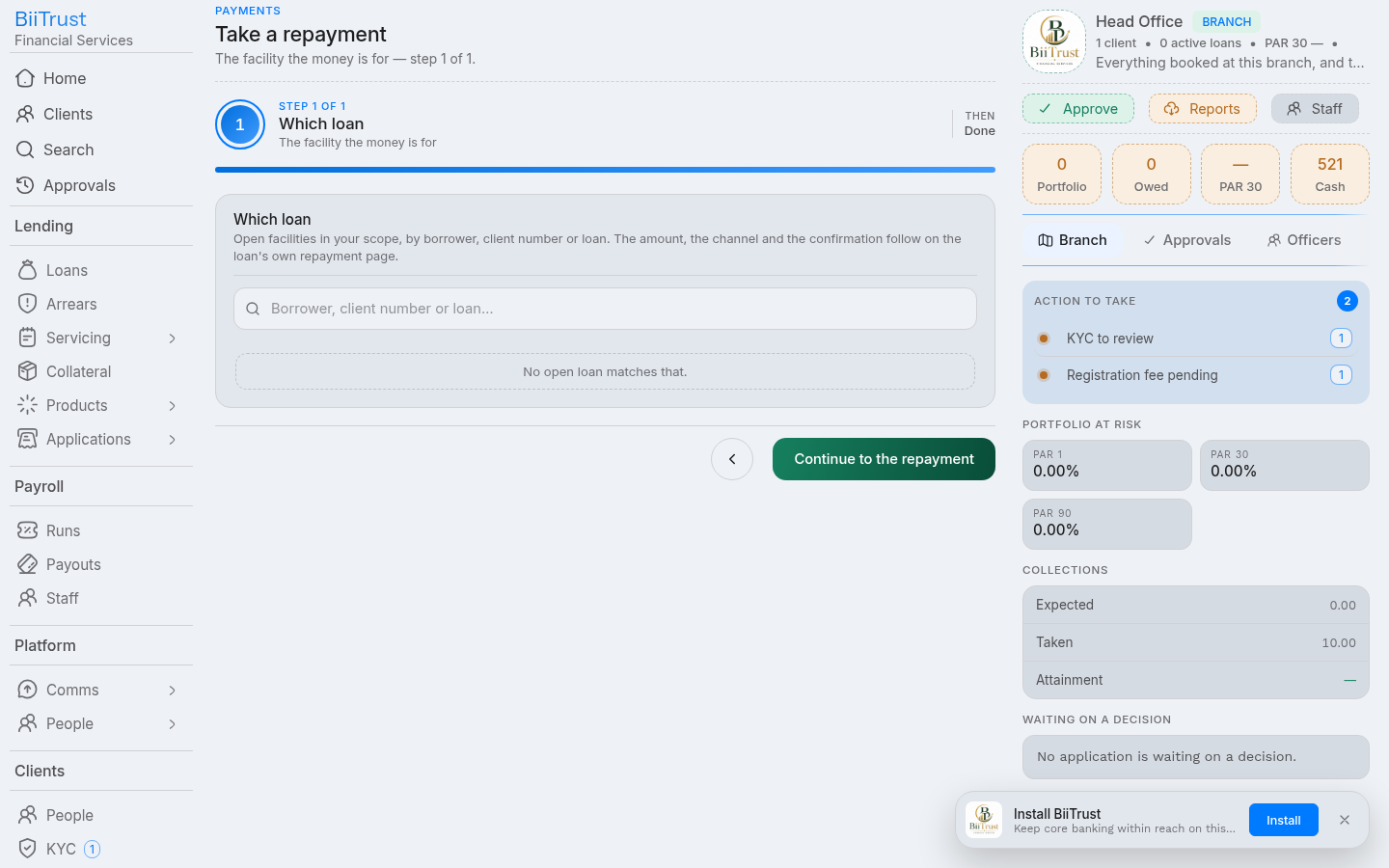 Figure 7.2: Live waterfall division card showing incoming funds distributing across penalties, interest, and principal.
3. Suspense Account Safety Net (/payments/suspense)
If a customer makes a typo in their account reference (e.g., quotes 3907#MISTAKE or an unmapped ID number):
- Funds Are Never Lost: BiiTrust accepts the payment callback and immediately posts a balancing journal:
- Debit:
1103(M-Pesa Collections Float) - Credit:
2105(M-Pesa Suspense Account)
- Debit:
- Suspense Reconciliation Hub:
- The payment surfaces instantly in
/payments/suspense. - Cashiers search by phone number or payer name.
- Clicking Reconcile allows 1-click allocation to the correct loan, transferring funds from
2105to the loan waterfall.
- The payment surfaces instantly in
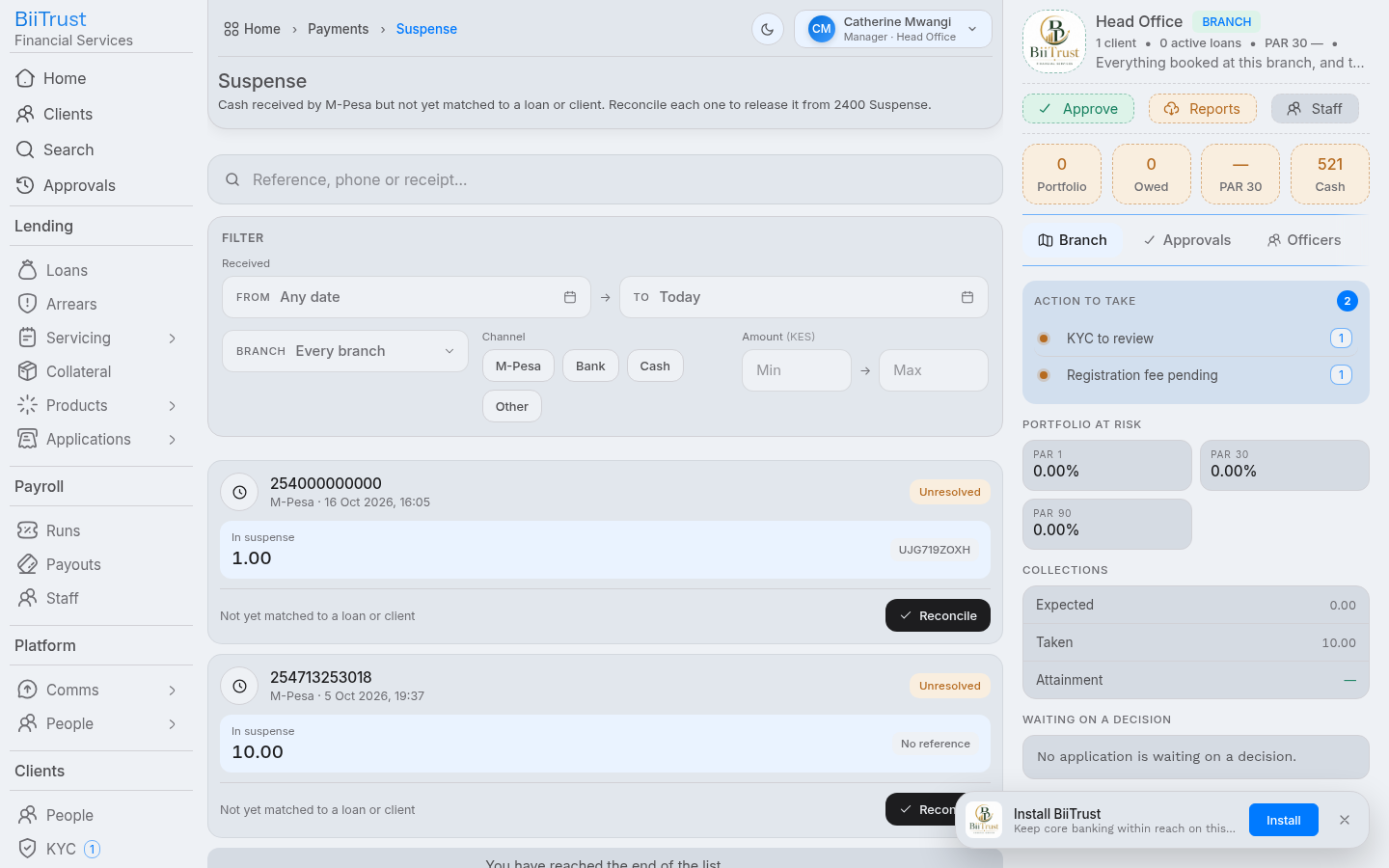 Figure 7.3: Suspense Ledger Hub displaying unmatched payments with search tools and 1-click allocation actions.
4. Final Settlement & Score Recomputation
When the final installment reaches KES 0.00:
- Status Transition: Loan status updates from
active→settled. - Cycle Increment: The client’s completed loan cycle increments (
loan_cycles.number + 1), automatically unlocking higher borrowing limits for future applications. - Credit Score Recomputation: The system triggers automated risk recomputation (
POST /scores/:client/recompute), updating the borrower’s credit score inkyc_scoresto reward timely repayment history.
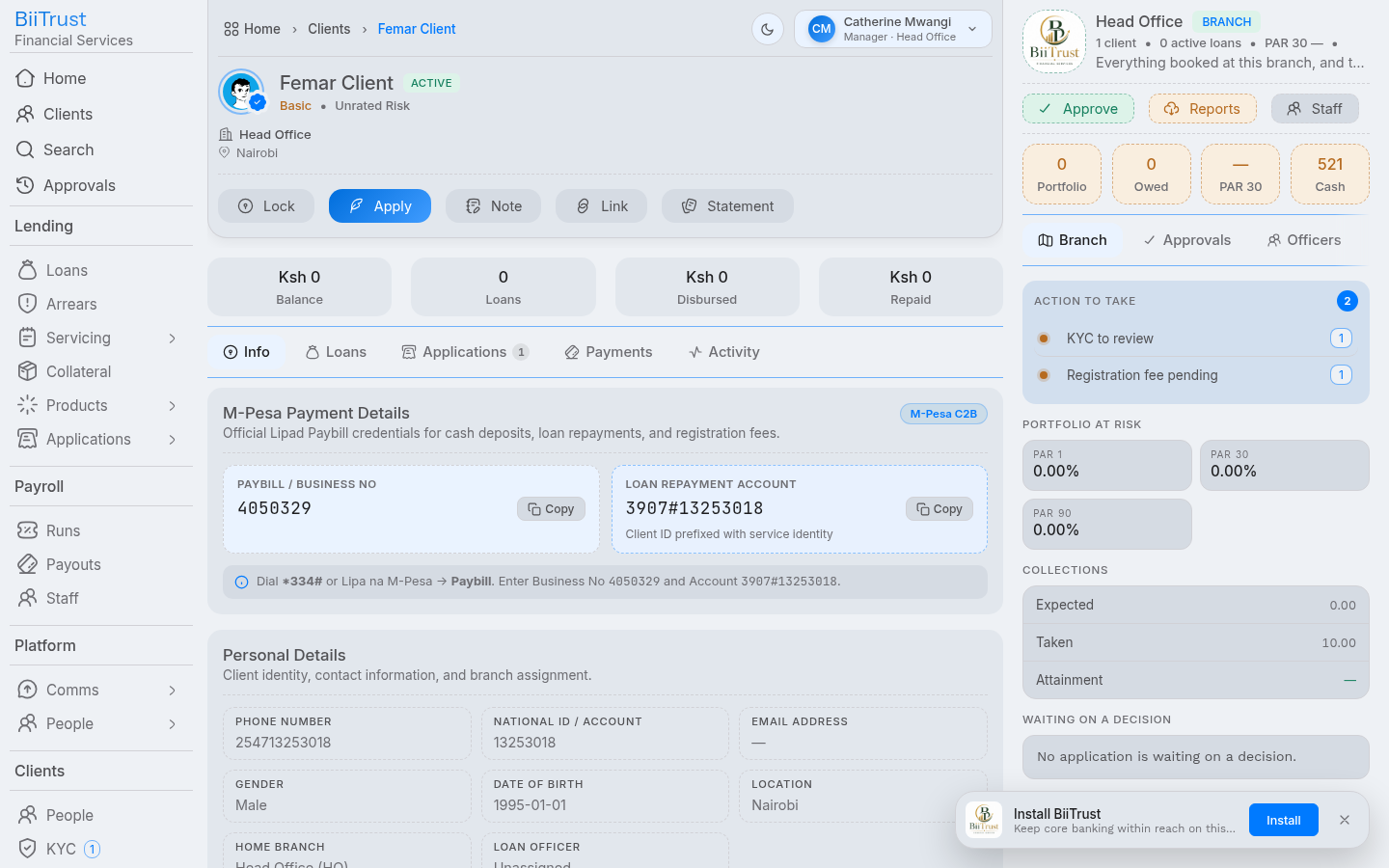 Figure 7.4: Settled credit facility showing cleared obligations, incremented cycle number, and upgraded credit score.