Step-by-Step: Disbursing a Loan
The Loan Disbursement Flow (/application/:hex/disburse) executes the release of credit funds to the borrower, generates the legally binding repayment schedule, books double-entry general ledger journals, and enqueues automated mobile money payouts.
1. Statutory Guards & Pre-Disbursement Checklist
Before disbursement funds can be released, the transactional engine enforces guards inside a single database transaction (data.db.tx):
- Approval Check: Application must have completed all required sanction stages (
status = 'approved'). - KYC Validity: Borrower KYC must be active and not expired (
verified = true). - Accounting Period: Current financial period must be open in the general ledger.
- Idempotency Guard: Asserts the facility has not already been disbursed.
2. The Three Steps of Disbursement
Step 1: Verification & Financial Breakdown
- Applicant & Facility Overview: Confirms borrower legal names, National ID, client number, and approved product.
- Financial Breakdown:
- Approved Principal: Total facility size (e.g., KES 50,000).
- Upfront Processing Fee: Flat fee and percentage deduction (e.g., KES 1,500).
- Net Cash Payout: Actual money transferred to borrower (e.g., KES 48,500).
- Click Continue.
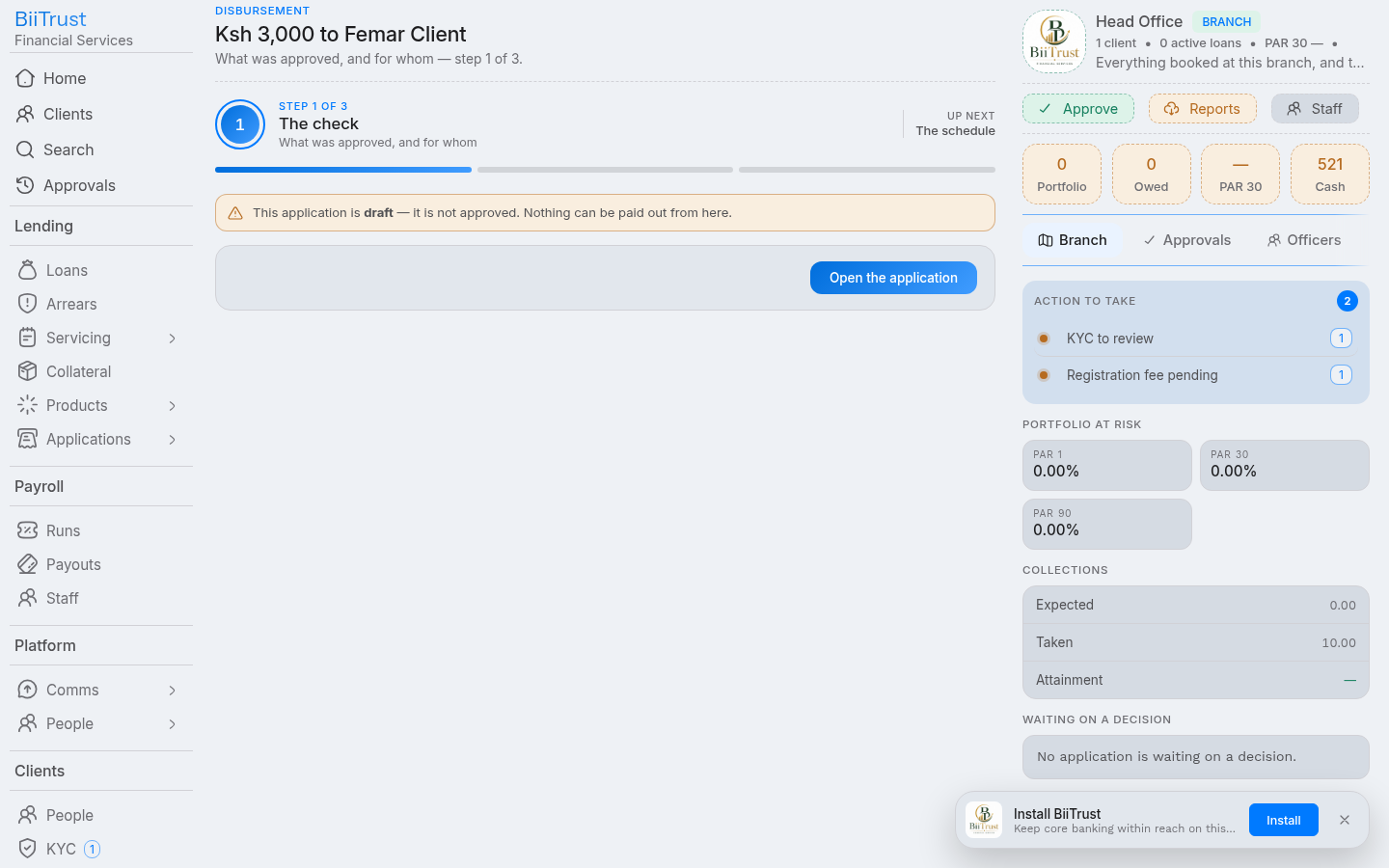 Figure 6.1: Step 1 Financial breakdown showing gross principal, withheld processing fees, and net borrower payout.
Step 2: Repayment Schedule & Funding Source
- Value Date: Defaults to current date. Can be customized if recording an approved back-dated release.
- Funding Source / Capital Pool: Select the balance sheet fund (e.g., Core Revolving Credit Fund, Women Enterprise Fund, Donor SME Pool).
- Repayment Schedule Generation:
- The amortization engine (
utils/amortize.js) calculates installment legs based on the product method (flatordeclining_balance). - Installment due dates are calculated from the release date.
- Due dates that collide with Sundays or national holidays (configured in
calendar.holidays) are shifted forward to the next banking day.
- The amortization engine (
- Click Continue.
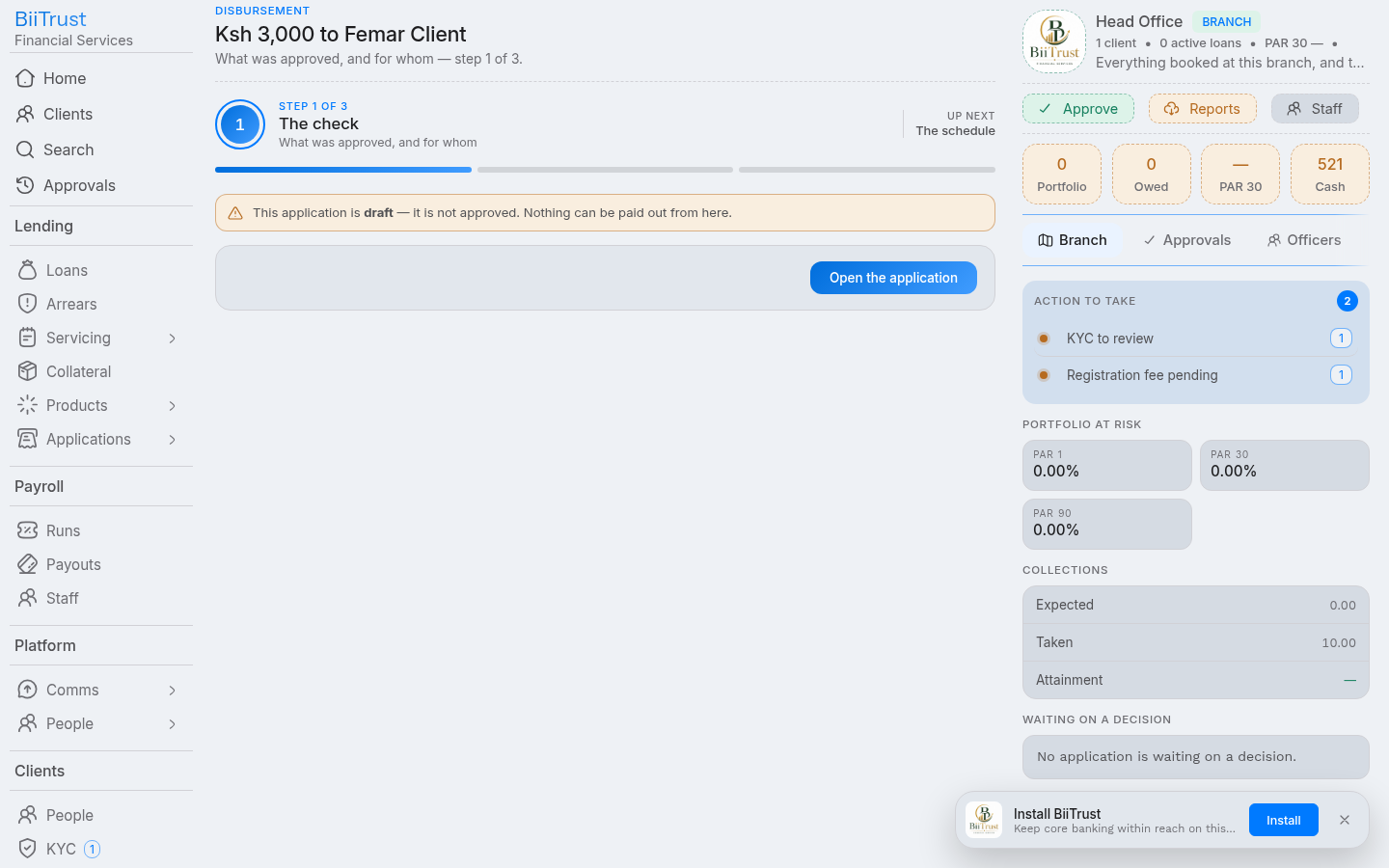 Figure 6.2: Step 2 Amortization repayment schedule generated with calendar holiday date adjustments.
Step 3: Release Channel & Execution
- Select Disbursement Channel:
- M-Pesa B2C (Automated): Instant transfer directly to the borrower’s registered mobile number via Safaricom’s Business-to-Customer API.
- Bank EFT / Wire Transfer: Queued for batch bank payment clearance.
- Counter Cash Voucher: Printed cash voucher for branch walk-in payout.
- Statutory Authorization Acknowledgment: Check the mandatory signoff box:
- “I confirm that all collateral perfection covenants and underwriting conditions have been satisfied, and I authorize immediate funds release.”
- Click Release Funds:
The system executes an atomic transaction committing all the following operations together:
- Creates live loan account (
loan_loansrow with identifierLOX...). - Inserts all amortization installments into
loan_schedules. - Updates application status to
disbursed(stage = 'disbursed'). - Records the immutable audit event (
system_audits). - Posts balanced double-entry GL journals.
- Creates live loan account (
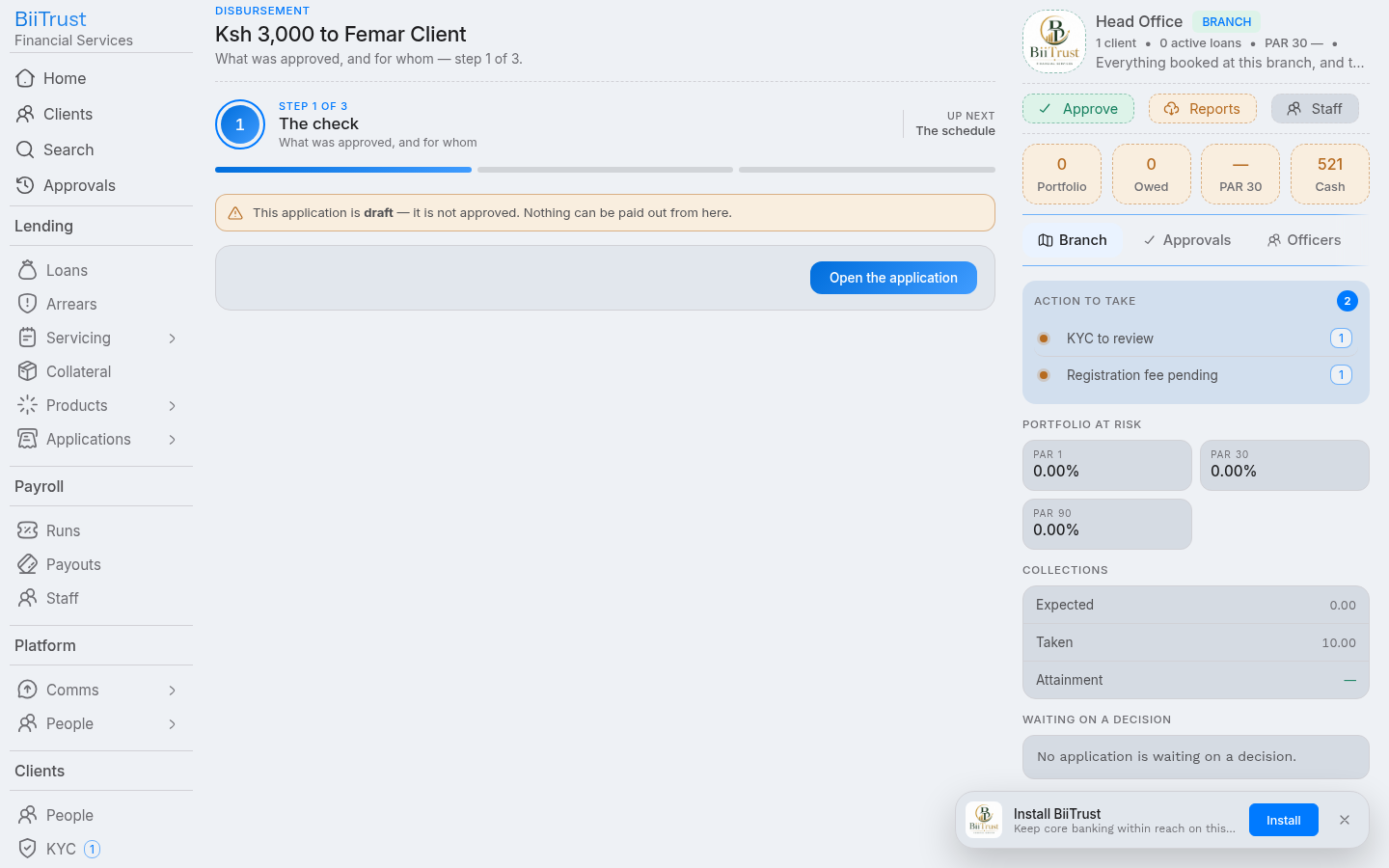 Figure 6.3: Step 3 Completion screen confirming automated M-Pesa B2C payout transfer and posted general ledger journal.
3. General Ledger Accounting Impact
Disbursement generates an automated, balanced accounting journal:
┌────────────────────────────────────────────────────────────────────────┐
│ DISBURSEMENT GENERAL LEDGER JOURNAL (Status: 'posted')                 │
├───────────────────────────────┬─────────────┬─────────────┬────────────┤
│ Account                       │ Code        │ Debit (KES) │ Credit(KES)│
├───────────────────────────────┼─────────────┼─────────────┼────────────┤
│ Gross Loan Portfolio Asset    │ 1200        │ 50,000.00   │            │
│ M-Pesa Collections Float /Cash│ 1103        │             │ 48,500.00  │
│ Loan Processing Fee Income    │ 4200        │             │  1,500.00  │
├───────────────────────────────┴─────────────┼─────────────┼────────────┤
│ TOTALS                                      │ 50,000.00   │ 50,000.00  │
└─────────────────────────────────────────────┴─────────────┴────────────┘
4. Post-Commitment Payout Pipeline
After the database transaction commits:
- M-Pesa Queue: The job
mpesa.b2cis dispatched to the background worker (queues.mpesa.add). - Safaricom B2C Confirmation:
- On payout success,
finance_mpesastate flips to'success'. - Borrower receives instant Safaricom M-Pesa confirmation SMS.
- If Daraja reports a failure (e.g. incorrect mobile number or phone blocked), the loan remains active with an alert raised for operational retry.
- On payout success,
- SMS Alert: System queues an automated SMS notification welcoming the borrower and summarizing the first installment due date.